
Download WonderFox DVD Ripper – DVD ripper, DVD backup, video conversion, movie backup, digital copy
Overview
WonderFox DVD Ripper is a specialized utility designed to help users create digital backups of DVD content with minimal effort. The software enables seamless conversion of DVDs into multiple video formats, making it a valuable tool for preserving physical media. Its primary purpose is to allow users to safeguard their movie collections by creating digital copies that can be stored securely and accessed across devices. This is especially useful for individuals with aging DVD libraries or those who wish to transition to digital media storage.
The app targets a range of users, including home media enthusiasts, digital archivists, and individuals seeking to repurpose DVD content for playback on modern devices. Whether it’s backing up a favorite film, preserving family home videos, or preparing content for mobile viewing, WonderFox DVD Ripper offers a streamlined solution. The developer, WonderFox, is known for creating focused tools within the media conversion space, though specific company background details were not provided.
Real-world use cases include converting DVDs for use on tablets, smartphones, or media players, as well as compressing large dual-layer discs into smaller files without sacrificing playback quality. In the broader app ecosystem, it fills a niche for users who need reliable, no-frills DVD ripping functionality without the complexity of open-source alternatives. Its efficiency in completing backups in under five minutes positions it as a practical choice for users seeking speed and reliability.
Key Features & Functionality
- Quick Backup Creation: Users can generate a complete digital copy of any DVD in as little as five minutes. This feature is ideal for those needing rapid duplication of movie content or individual chapters for later access.
- Flexible Output Formats: The software supports a wide array of formats including AVI, MP4, MPG, WMV, and device-specific formats for iOS and Android, ensuring compatibility across modern platforms.
- Compression Capabilities: Dual-layer DVDs can be compressed into files as small as one gigabyte, significantly reducing storage needs while maintaining acceptable playback quality.
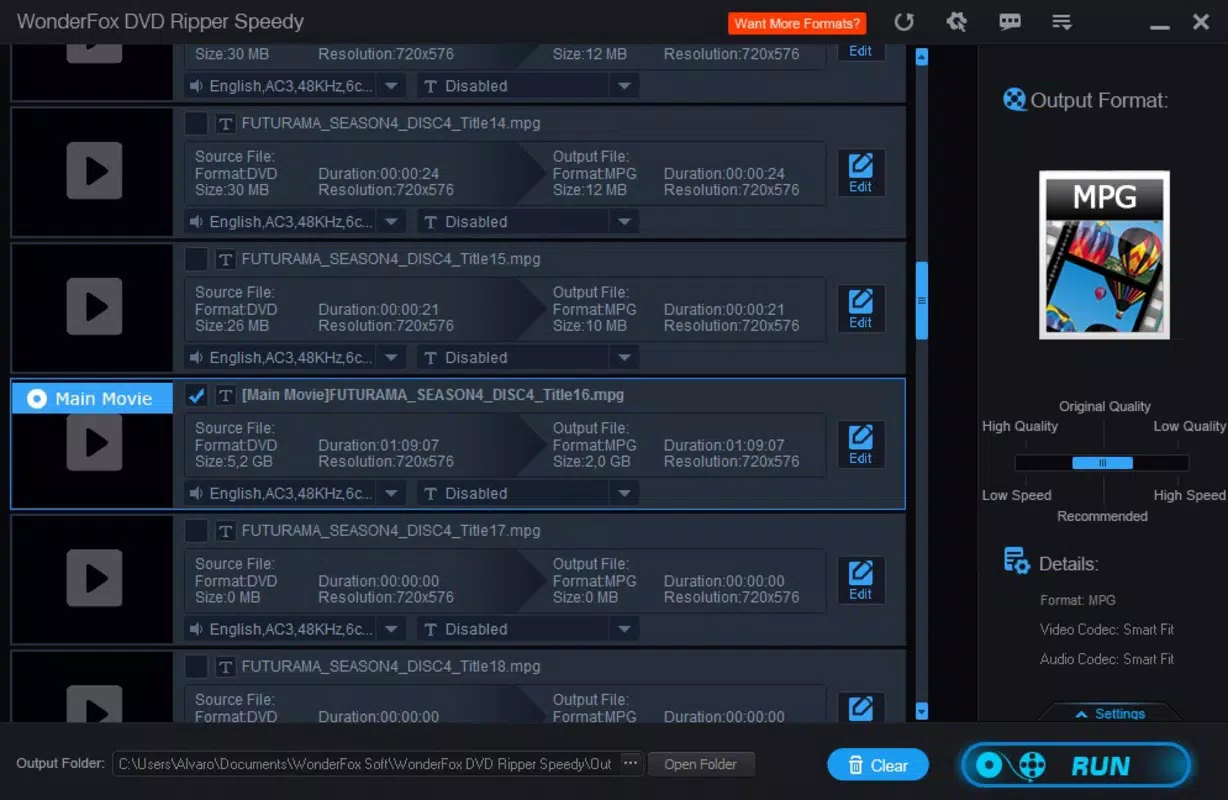
- Customizable Quality Settings: Users can adjust conversion speed and output quality, allowing for a balance between time efficiency and video fidelity based on their priorities.
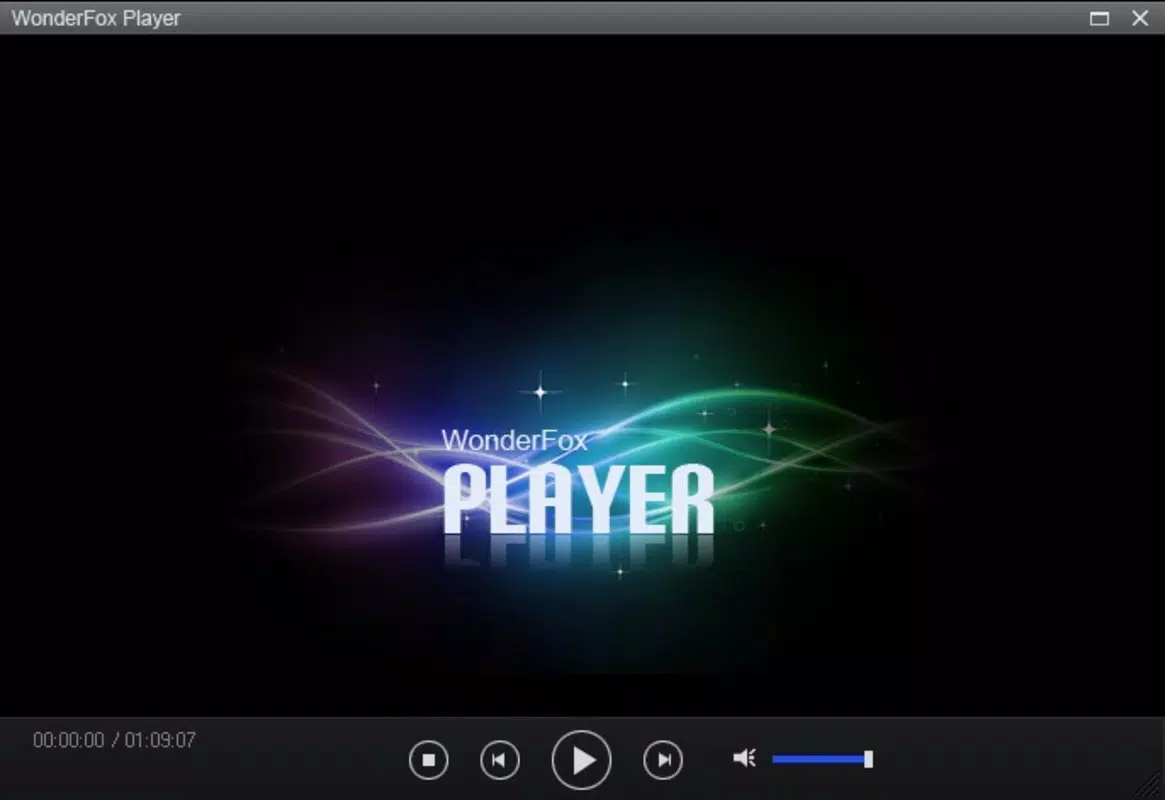
- Editing and Preview Options: Built-in editing tools let users select specific scenes or chapters, while preview functions ensure accurate content capture before finalizing the rip.
These features serve practical needs such as preparing movies for travel, archiving rare or out-of-print titles, or transferring content to devices with limited storage. The ability to extract individual chapters enables users to create custom playlists or educational content from full-length films.
Interface, UX & Performance
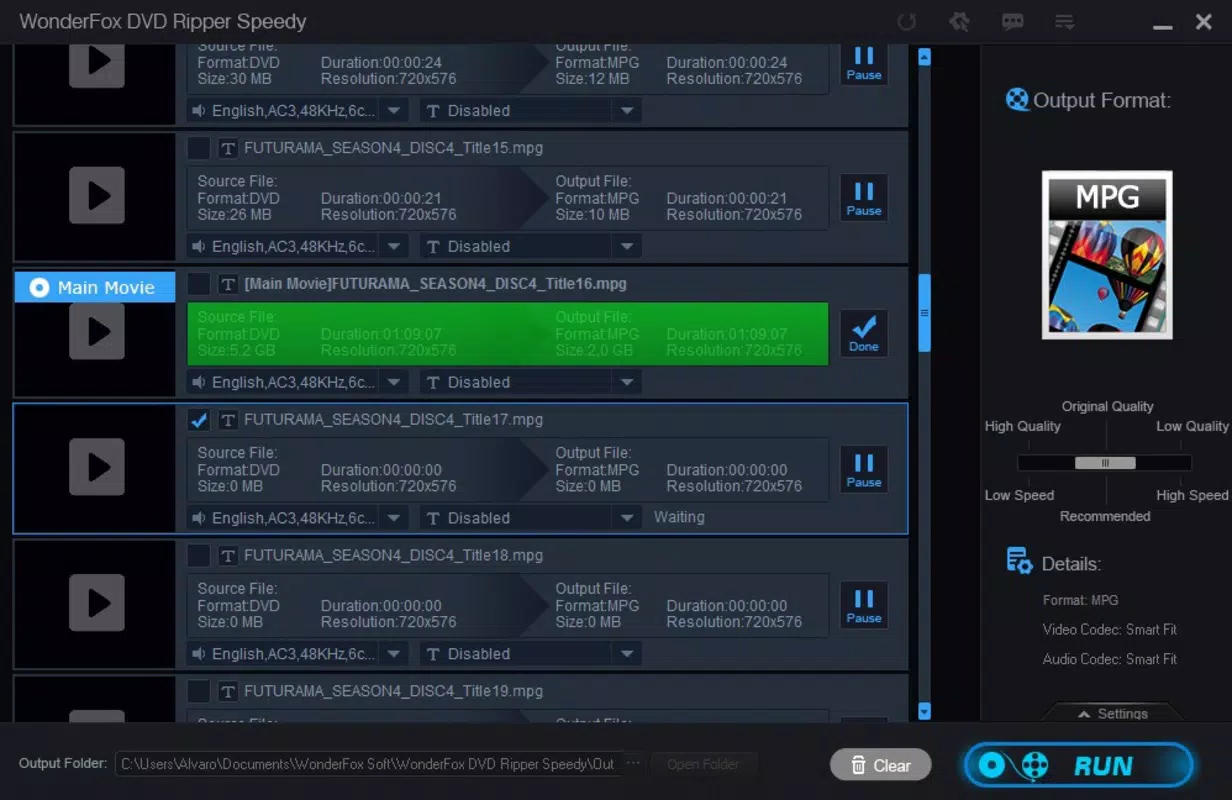
The user interface of WonderFox DVD Ripper is designed with simplicity in mind, focusing on ease of navigation for users of varying technical skill levels. The layout presents essential functions in a clear, step-by-step workflow: insert DVD, select output format, choose settings, and initiate conversion. Visual cues and labeled buttons guide users through each stage, minimizing the risk of errors during the ripping process.
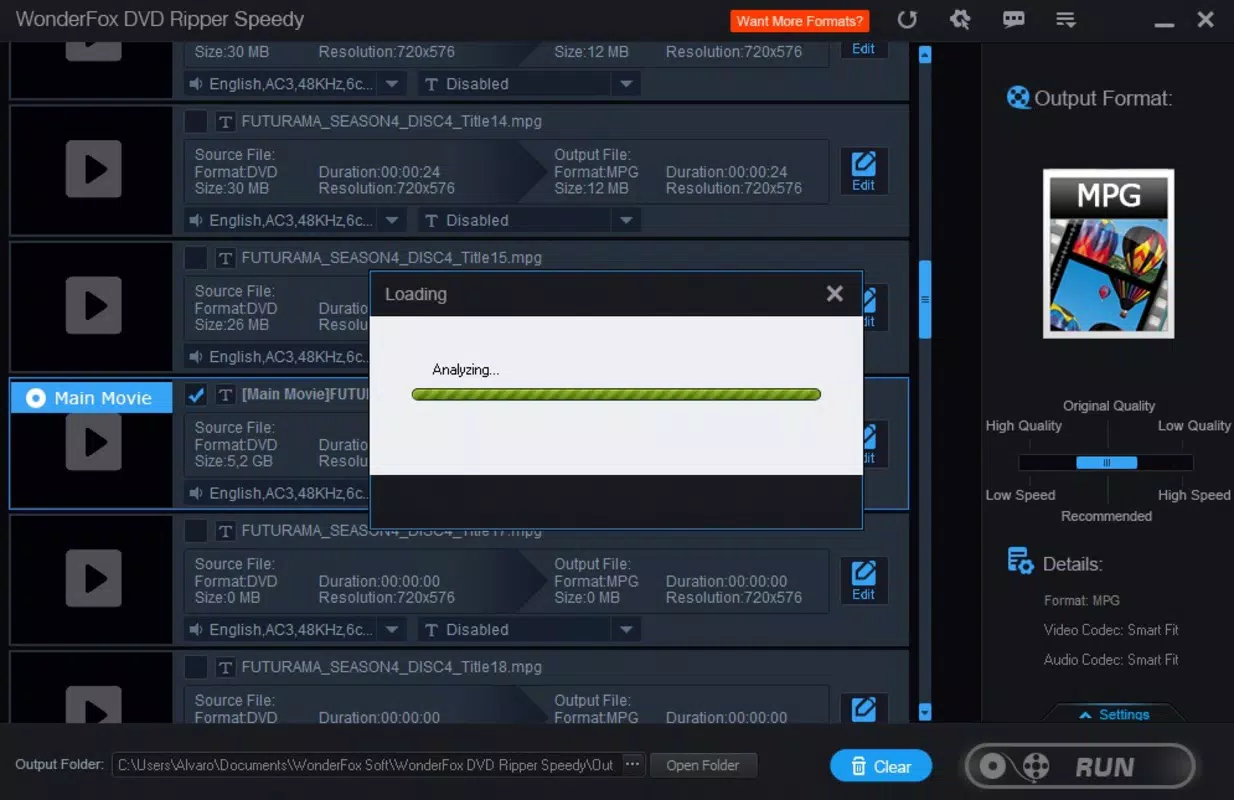
Navigation is intuitive, with a central dashboard that displays the current task, progress bar, and output options. The preview window allows users to verify content before conversion, enhancing control and accuracy. Although the developer did not list formal performance metrics, the software’s ability to complete backups in under five minutes suggests efficient processing, particularly on mid-to-high-end Windows systems.
Responsiveness appears consistent across different device categories, though specific hardware requirements were not disclosed. Stability during long-running conversions is implied by the app’s focus on reliability. Users can expect minimal crashes or freezes during standard operations, though performance may vary depending on the system’s CPU, RAM, and DVD drive speed.
Platform Compatibility & Technical Requirements
WonderFox DVD Ripper is available exclusively for the Windows platform, supporting Windows operating systems. The current version is 2.2.0, with a file size of 102.5 MB, indicating a lightweight installation that should not strain system resources. The software is designed to run on standard desktop and laptop configurations, though detailed minimum system requirements were not provided by the developer.
Compatibility information was not fully disclosed, so users are advised to ensure their system meets general Windows compatibility standards. The absence of an Android or iOS version limits its accessibility to mobile users, reinforcing its role as a desktop-based utility. For Windows users seeking a dedicated DVD backup tool, this app offers a focused and functional solution without the need for cross-platform synchronization.
Pros and Cons
Pros
- Fast backup creation in under five minutes
- Supports multiple output formats, including mobile-optimized files
- Effective compression of dual-layer DVDs into smaller files
- Customizable conversion speed and quality settings
- Includes editing and preview tools for precise content selection
Cons
- Available only for Windows, limiting cross-platform use
- Price point of $39.95 may be high for casual users
- No mobile or web version available
- Specific system requirements were not listed
- Functionality is limited to DVD ripping and conversion, with no additional media management tools
FAQ
Is WonderFox DVD Ripper safe to download and install?
Yes, the software is distributed through official channels and does not contain malware. Users should download it from the developer’s verified website to ensure authenticity and security.
Can I use WonderFox DVD Ripper on multiple computers?
License terms were not disclosed, so users should refer to the official purchase agreement for details on multi-device usage.
Does the app support Blu-ray discs?
Based on available information, WonderFox DVD Ripper is designed specifically for DVD content and does not support Blu-ray disc ripping.
How often are updates released?
The developer has not provided a public update schedule. However, version 2.2.0 was released on April 10, 2025, indicating active development.
Is there a free trial available?
While not explicitly stated, many similar tools offer trial versions. Users are advised to check the official website for trial access or demo functionality.
Final Thoughts
WonderFox DVD Ripper stands out as a reliable, efficient solution for users who need to convert and preserve DVD content. Its fast processing, broad format support, and intelligent compression make it ideal for digital archiving and mobile playback. While its Windows-only availability and price may deter some, its focused functionality delivers strong value for dedicated users.
Home media collectors, digital preservationists, and those transitioning from physical media to digital libraries will benefit most from this tool. The combination of speed, customization, and editing capabilities ensures a high degree of control over the final output.
For anyone seeking a secure, straightforward way to create digital copies of DVDs, WonderFox DVD Ripper offers a robust and dependable option. Download WonderFox DVD Ripper now.


